CozyBlanket Pro
No More Puzzle Solving
A streamlined toolkit for geometry cleanup and optimization.
Full demo · Saving & export disabled
One-time purchase · Perpetual iPad license
Retopology
Always One Step Ahead
CozyBlanket Pro's topology prediction AI continuously analyzes both high- and low-poly meshes to generate autocomplete suggestions in real time. No tools, no gestures to learn.
Every AI model runs entirely on your device, works fully offline, and is trained exclusively on synthetic data. Your work stays private and never leaves the device.
Hole Repair & Loops
Solve complex quad-filling challenges with proper loop rerouting, pole placement, and artist-like topology decisions.
Full Control When You Need It
Draw guide lines anywhere on the mesh to direct topology flow exactly where you want it. Results adapt instantly, from broad edge flow changes down to individual quads.
Advanced Retopology Tools
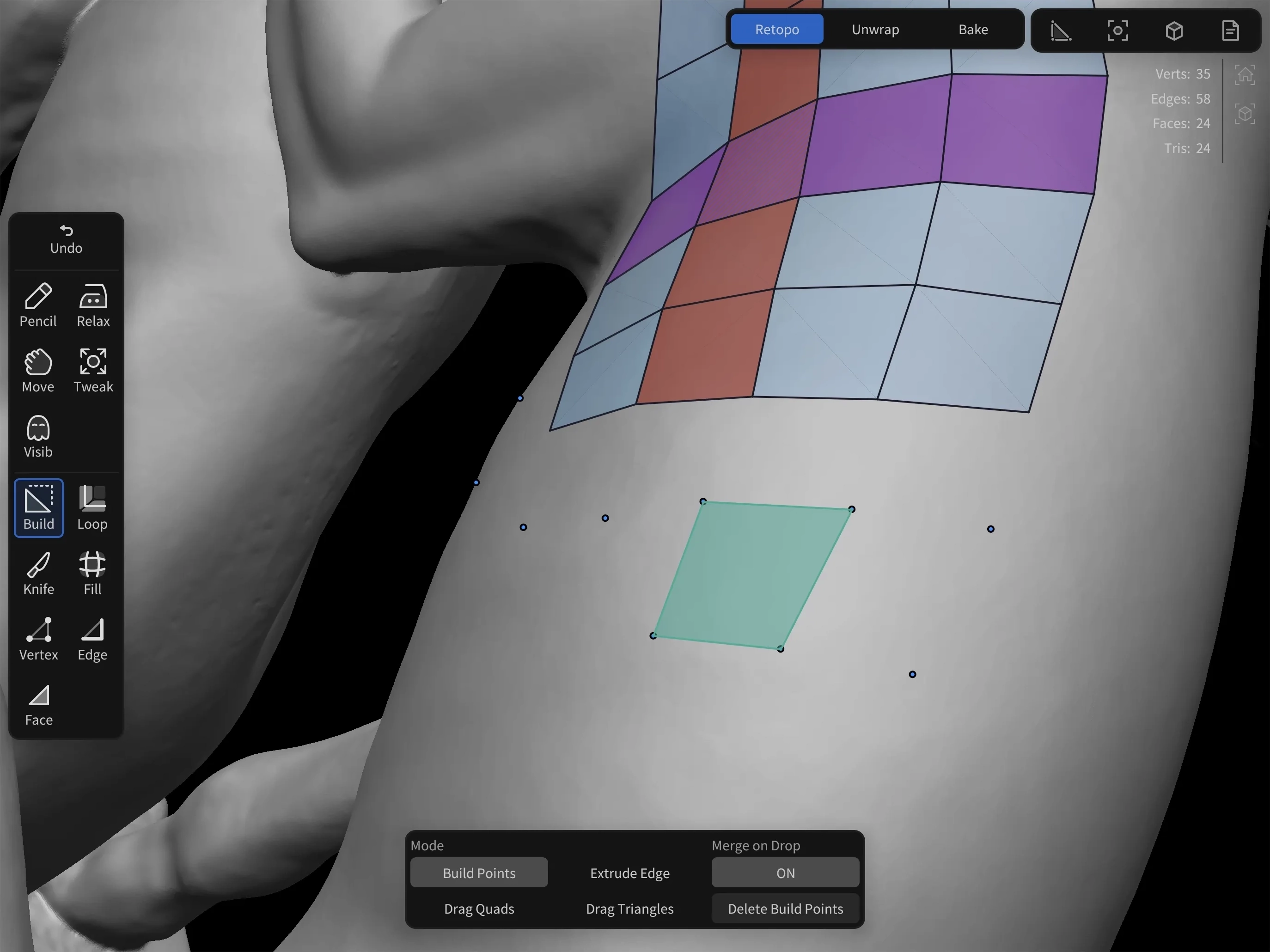
Precision PolyBuild
Create and edit individual quads with three workflow modes: point placement and fill, quad dragging, and edge dragging. Includes configurable snapping to vertices, edges, and face centers.
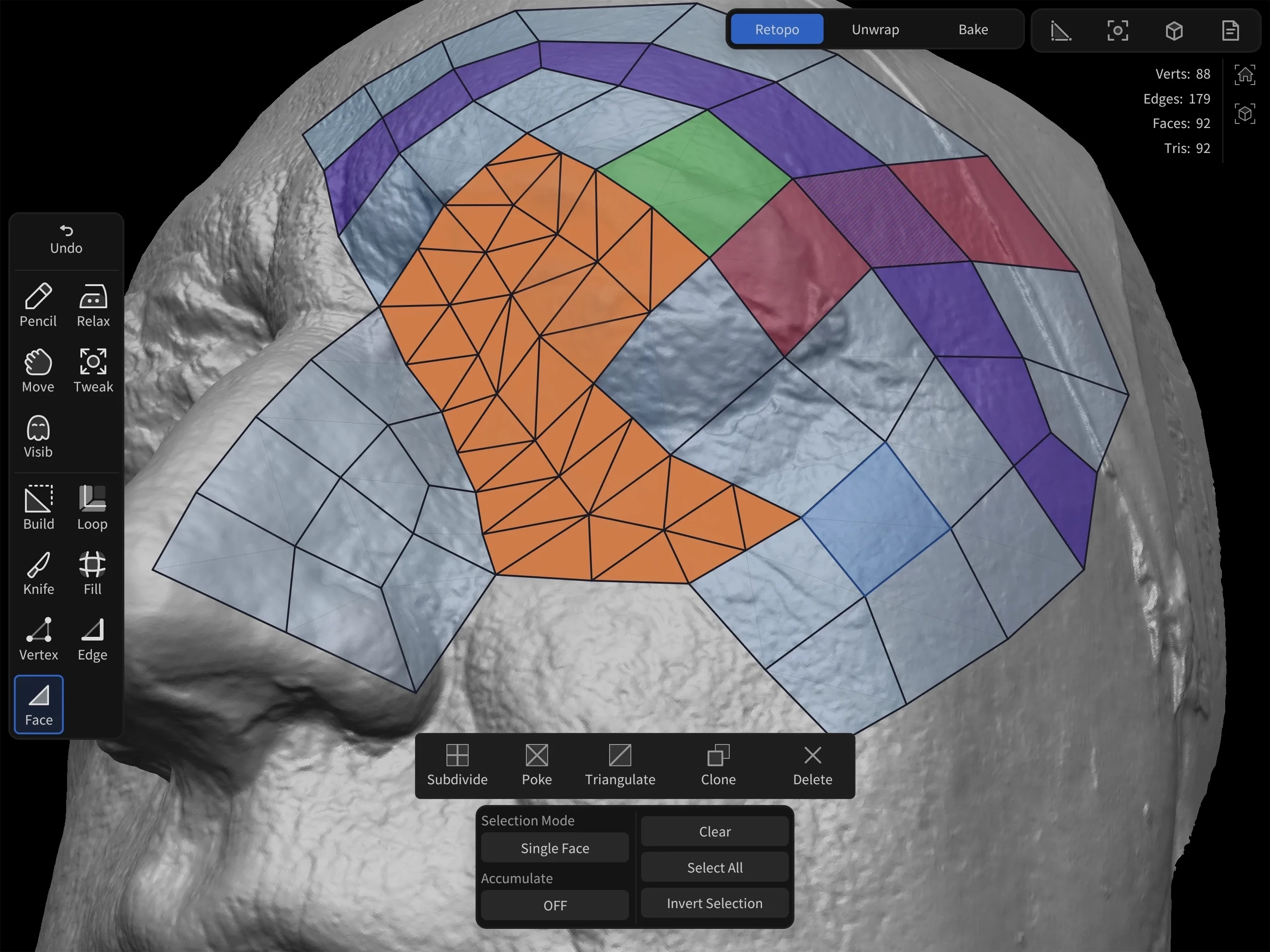
Poly Modeling Toolkit
A complete selection-based toolkit for editing vertices, edges, and faces with essential mesh operations including edge loop insert, dissolve and slides, knife tool, and Ngon support.
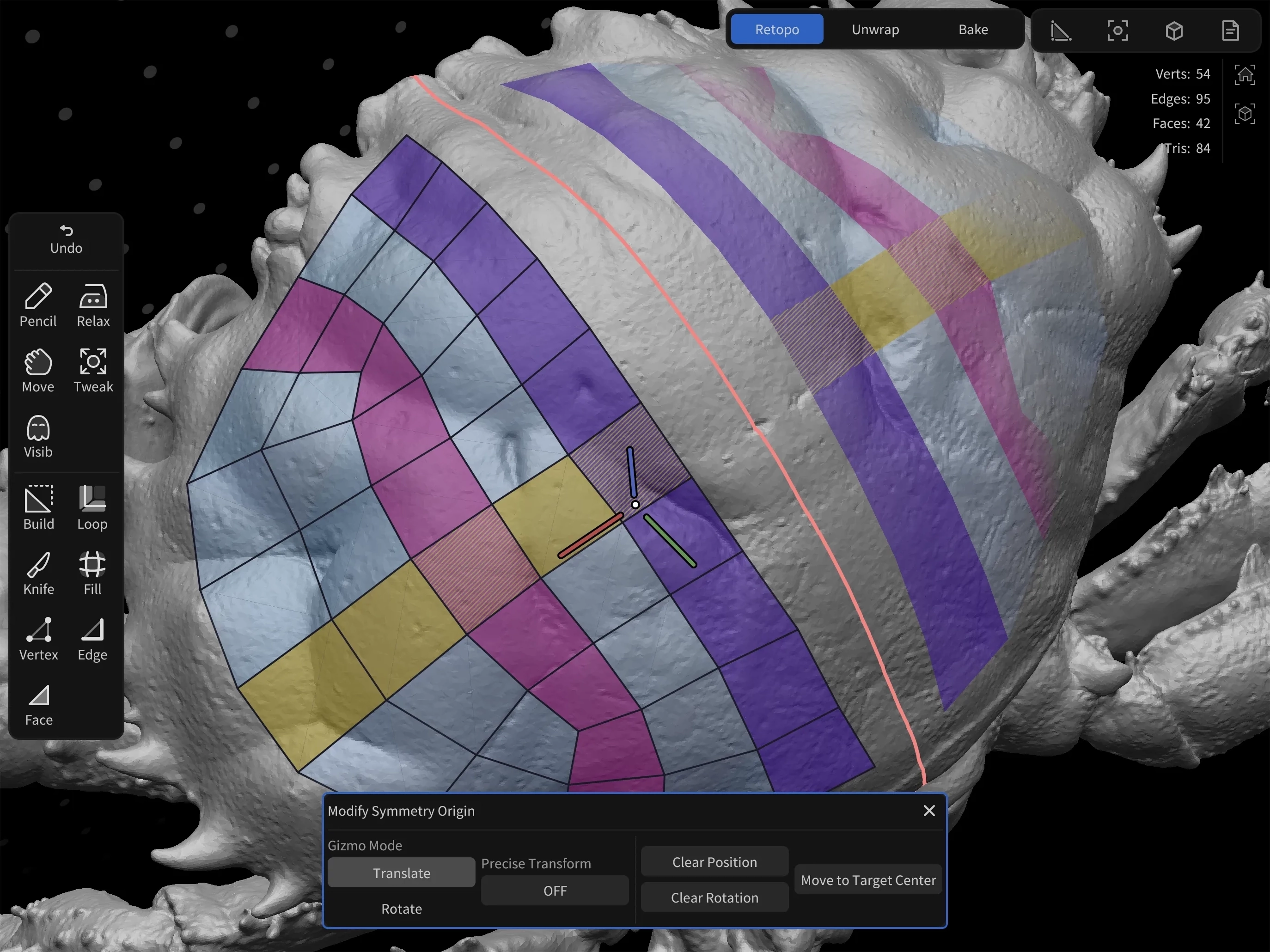
Multi-Axis Symmetry
Apply symmetry across any axis with configurable object origins and rotation settings. Snapping and editing tools such as Relax and Move fully support symmetry workflows.
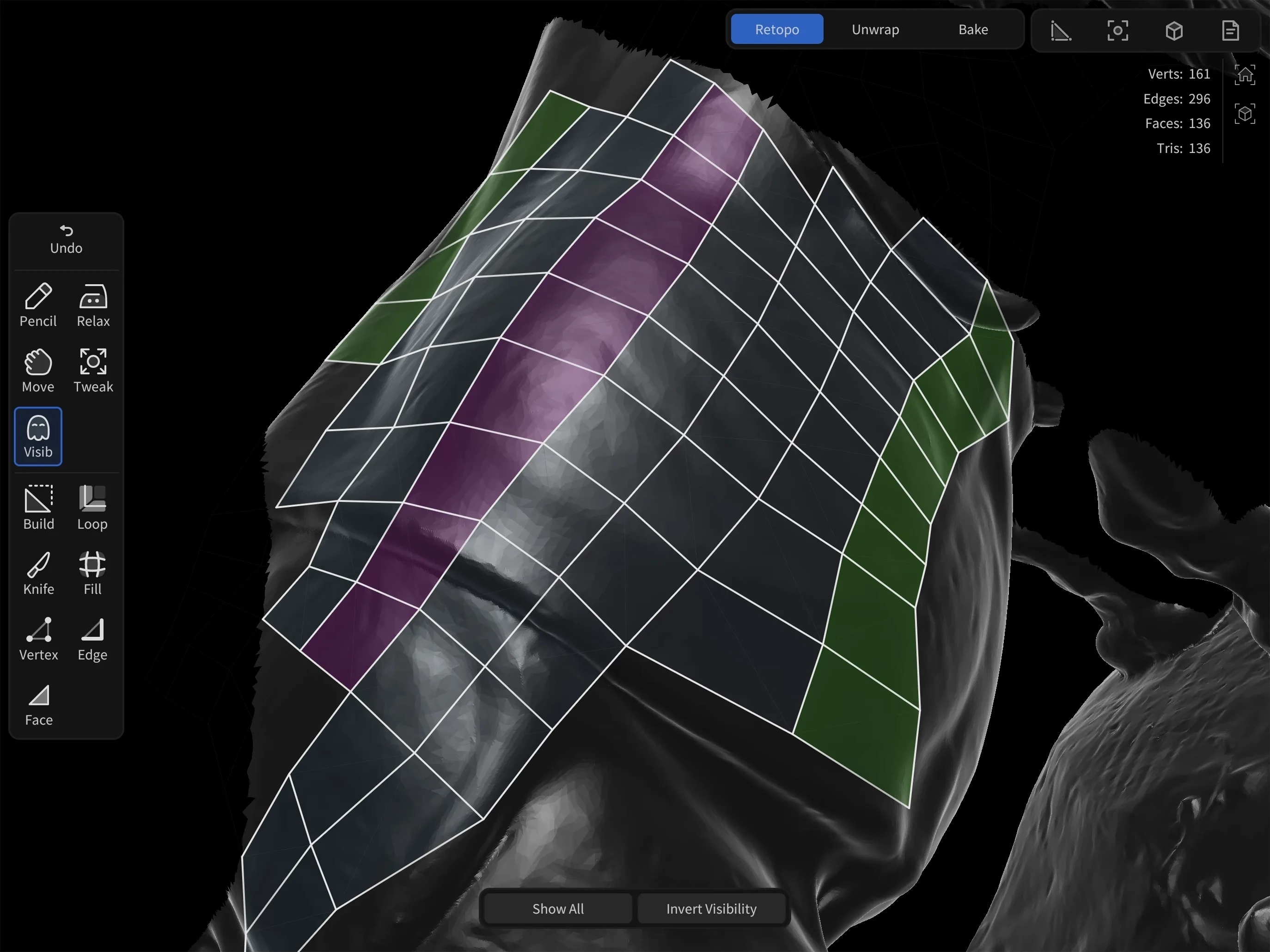
High-Performance Viewport
A faster, high-quality viewport built for meshes with millions of polygons. Features include loop flow tags, partial visibility controls, vertex color display, and automatic occlusion threshold detection.
Unwrapping & Packing
Everything in Its Place
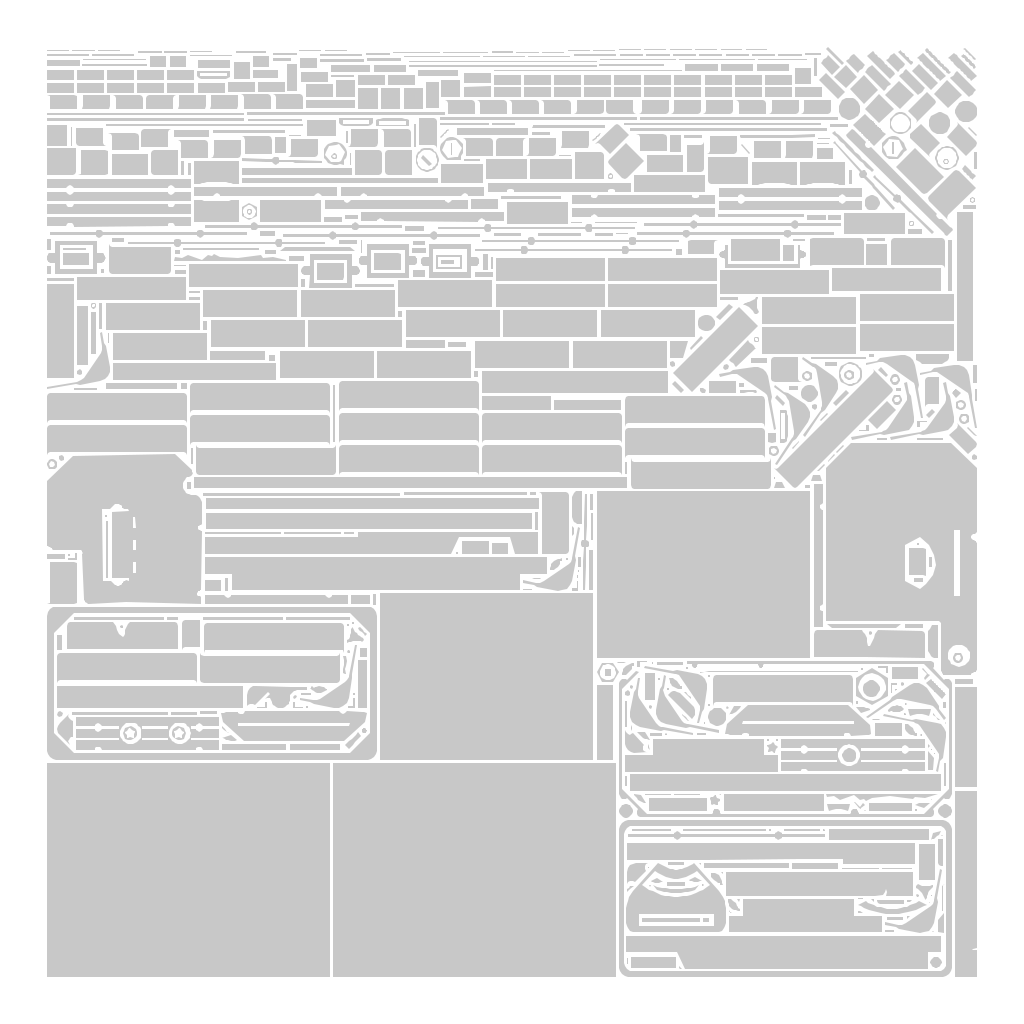
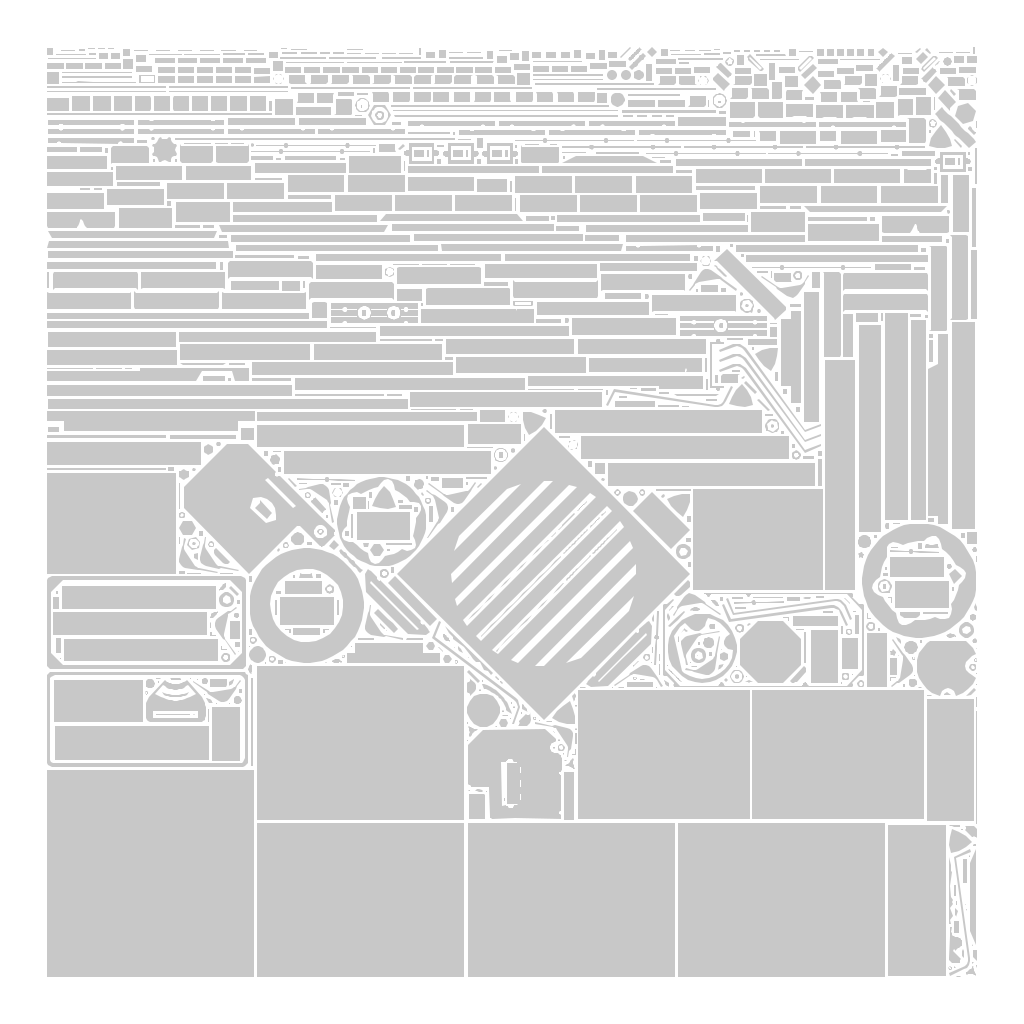
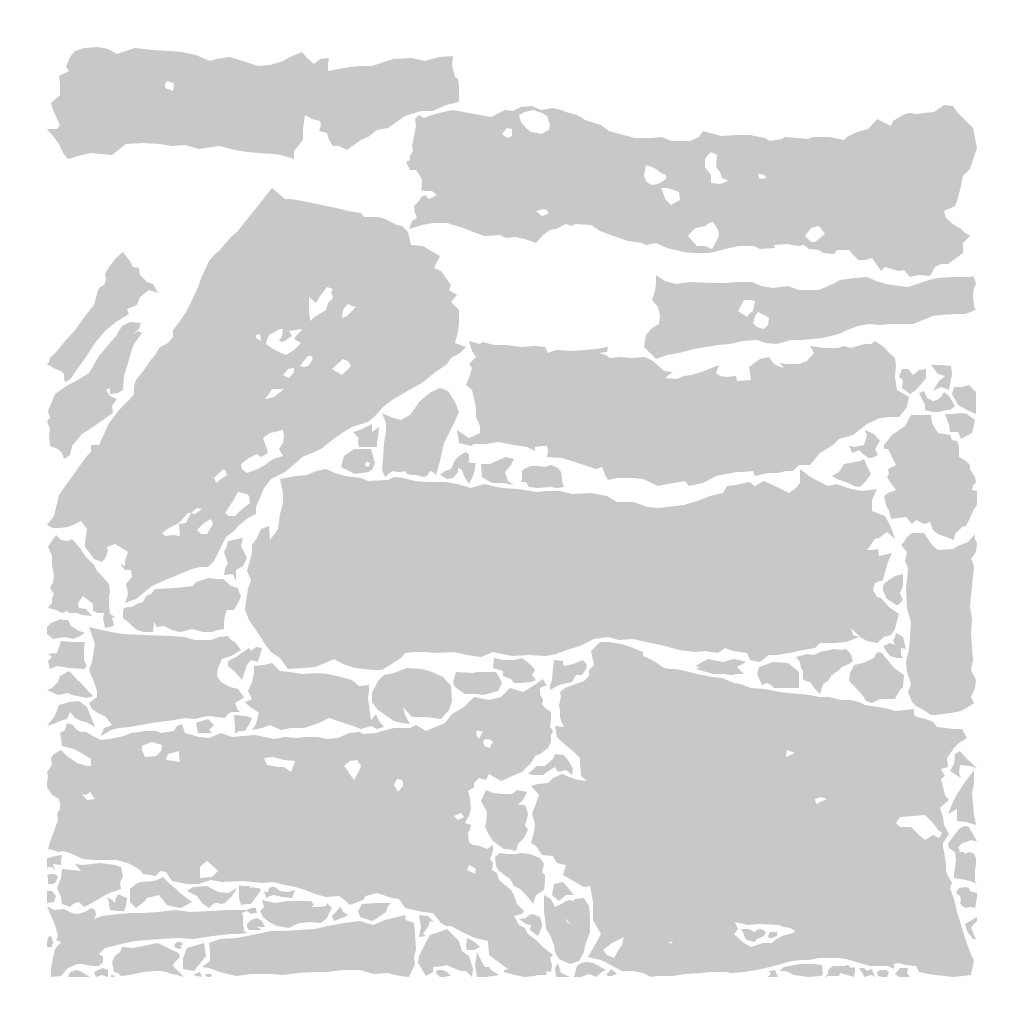
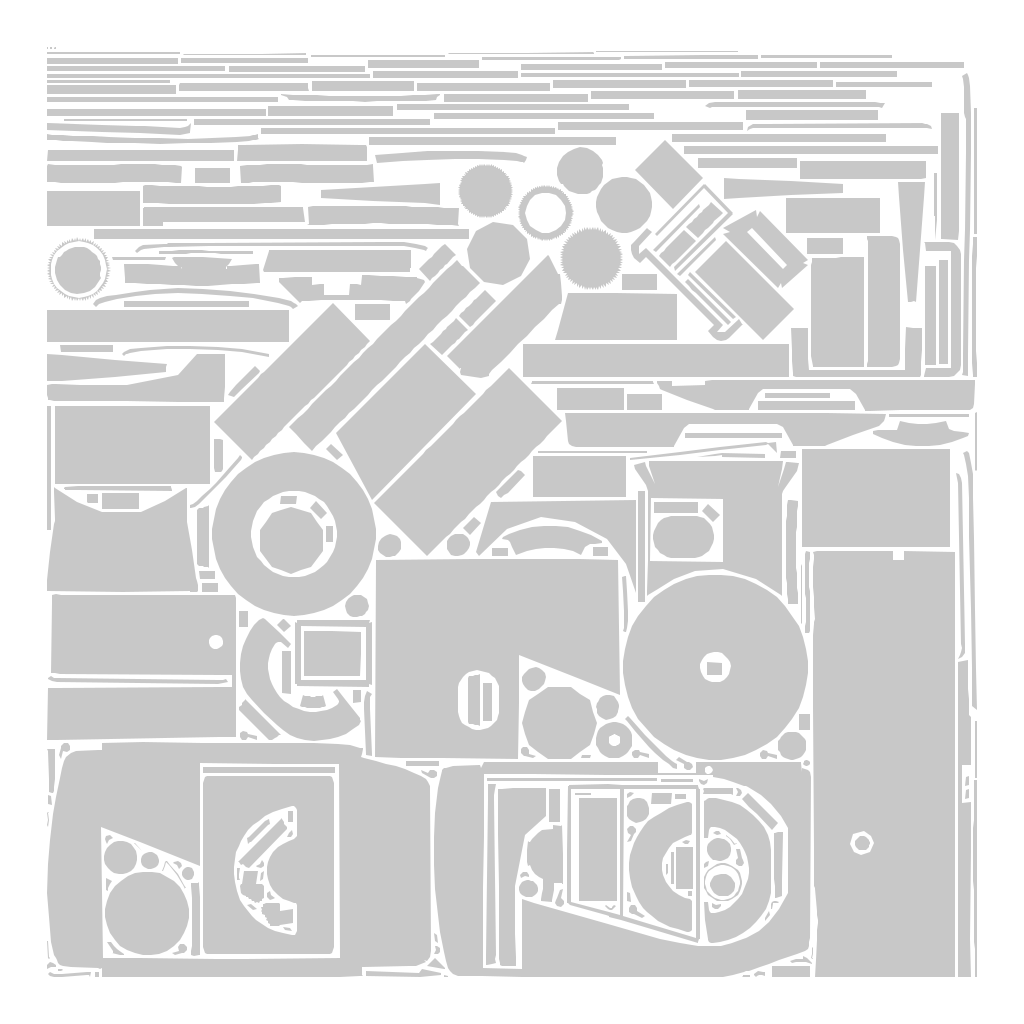
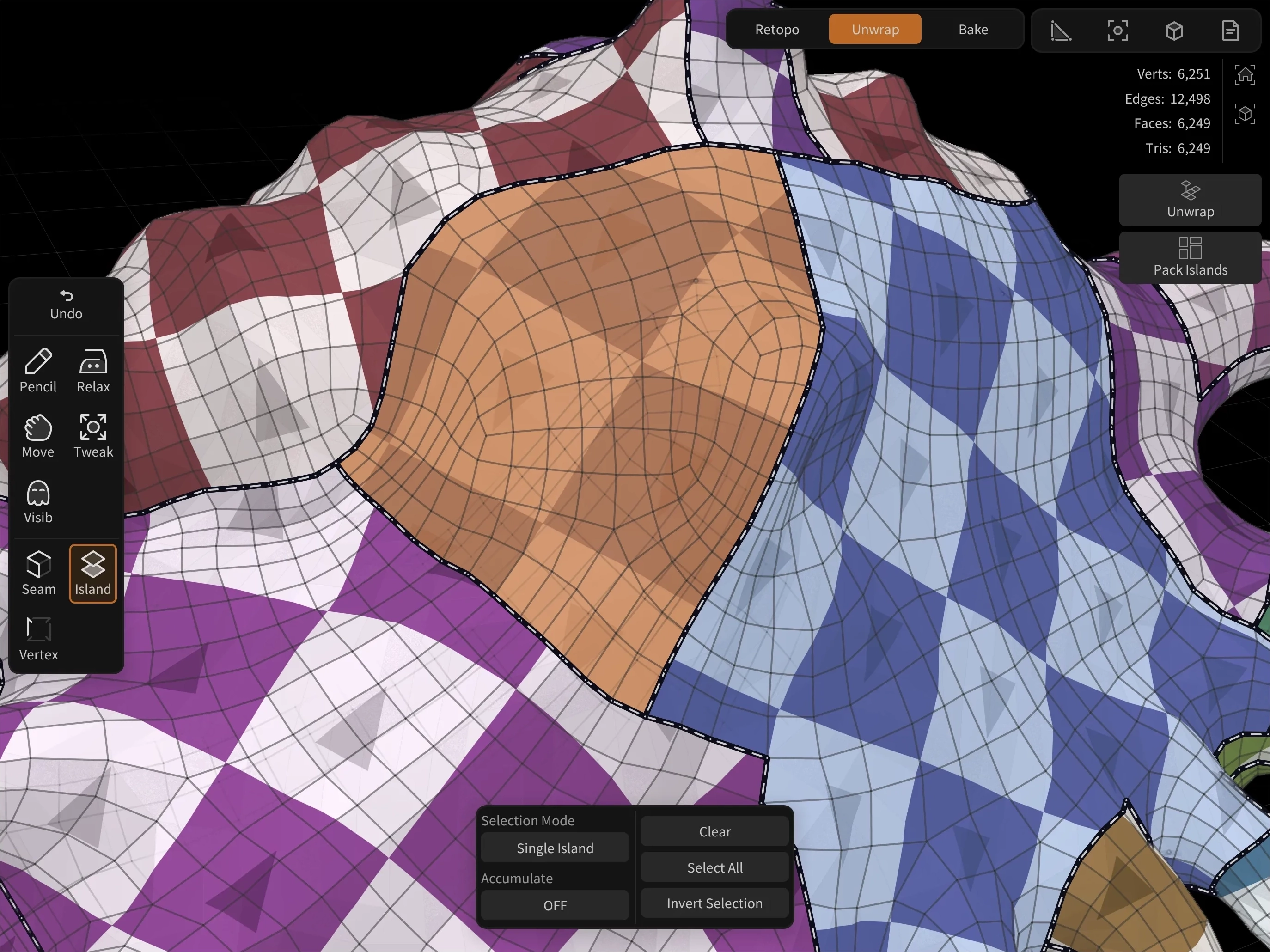
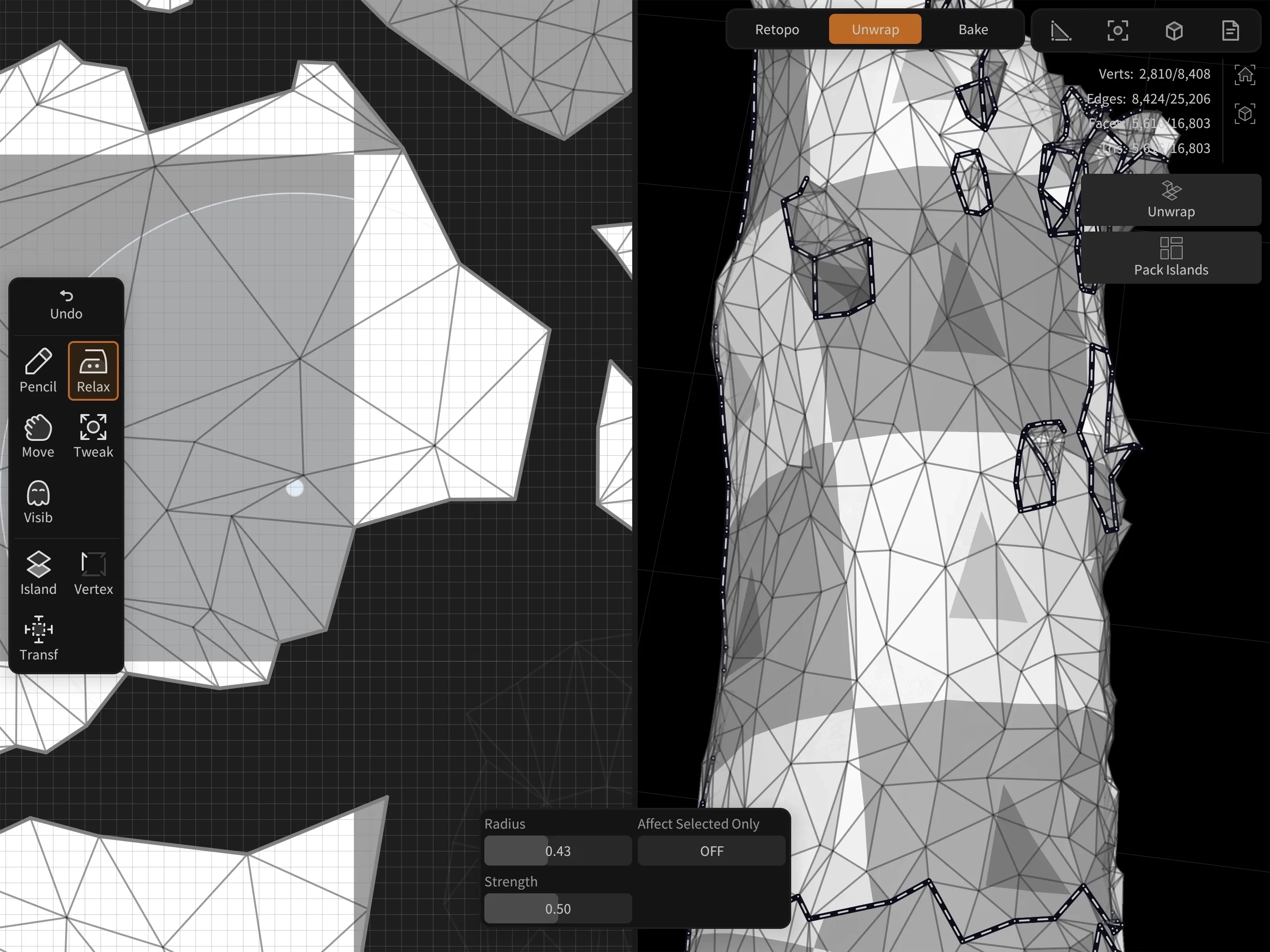
Mark seams and transform UVs directly in the 3D viewport, pack thousands of islands with GPU-accelerated performance, and export layouts as a standalone UV unwrapping solution.
AI-assisted UV seams
Speed up unwrapping with AI-suggested seam cuts. Review the suggestions and accept the ones that work for your model.
UV Packing
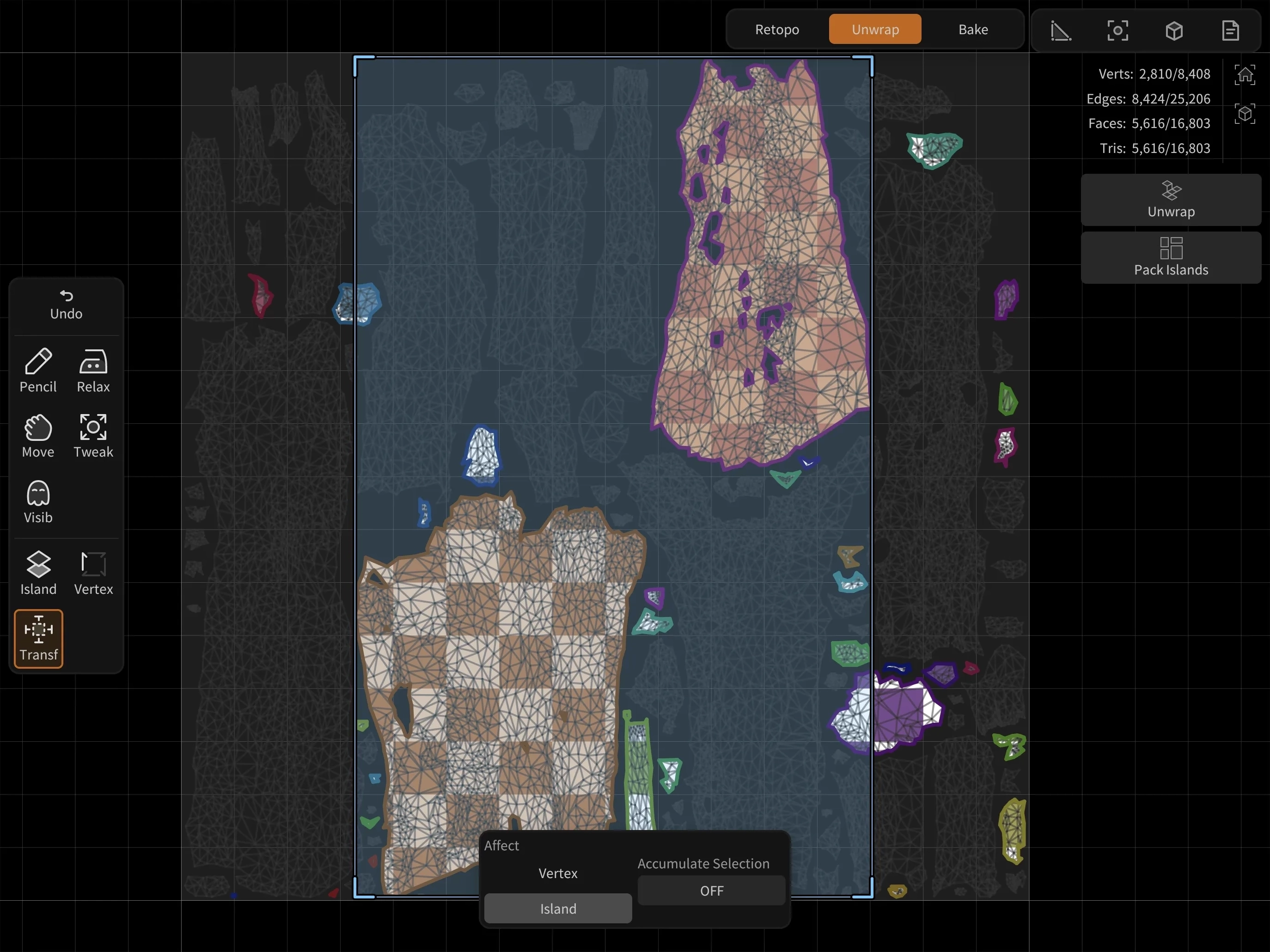
A new GPU-based packing algorithm can handle thousands of UV islands while evaluating trillions of layout combinations per second to find the optimal result.


Manual Control
Manual Packing Tools
Transform cages, pack-to-region, and automatic grid distribution for creating fully manual UV layouts with precision control.
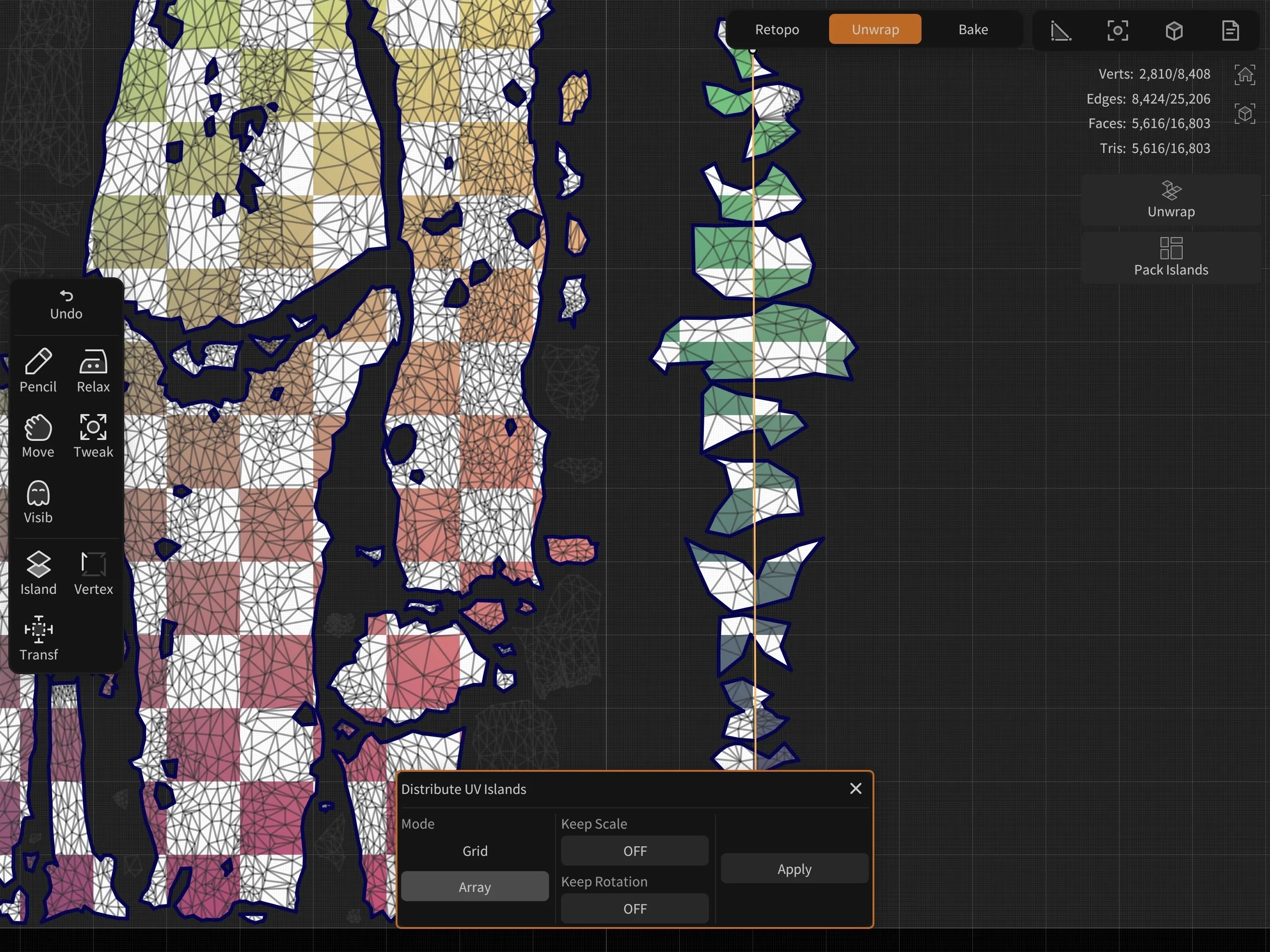
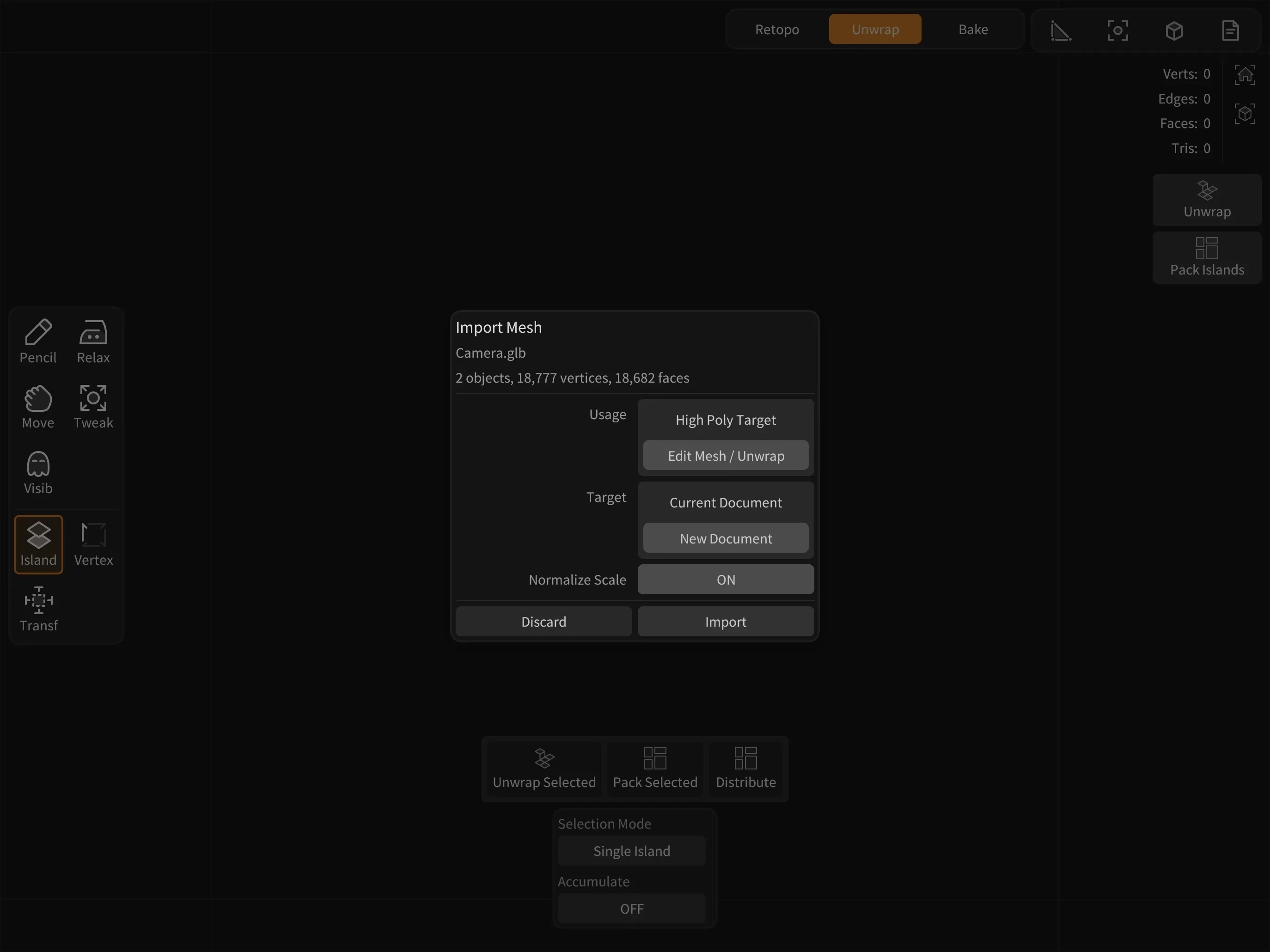
Dedicated Unwrapping Workflow
Use UV editing tools independently from retopology or baking workflows. Export UV layouts for use in other software, making CozyBlanket Pro a powerful standalone UV unwrapping solution.
Baking
Baked to Perfection
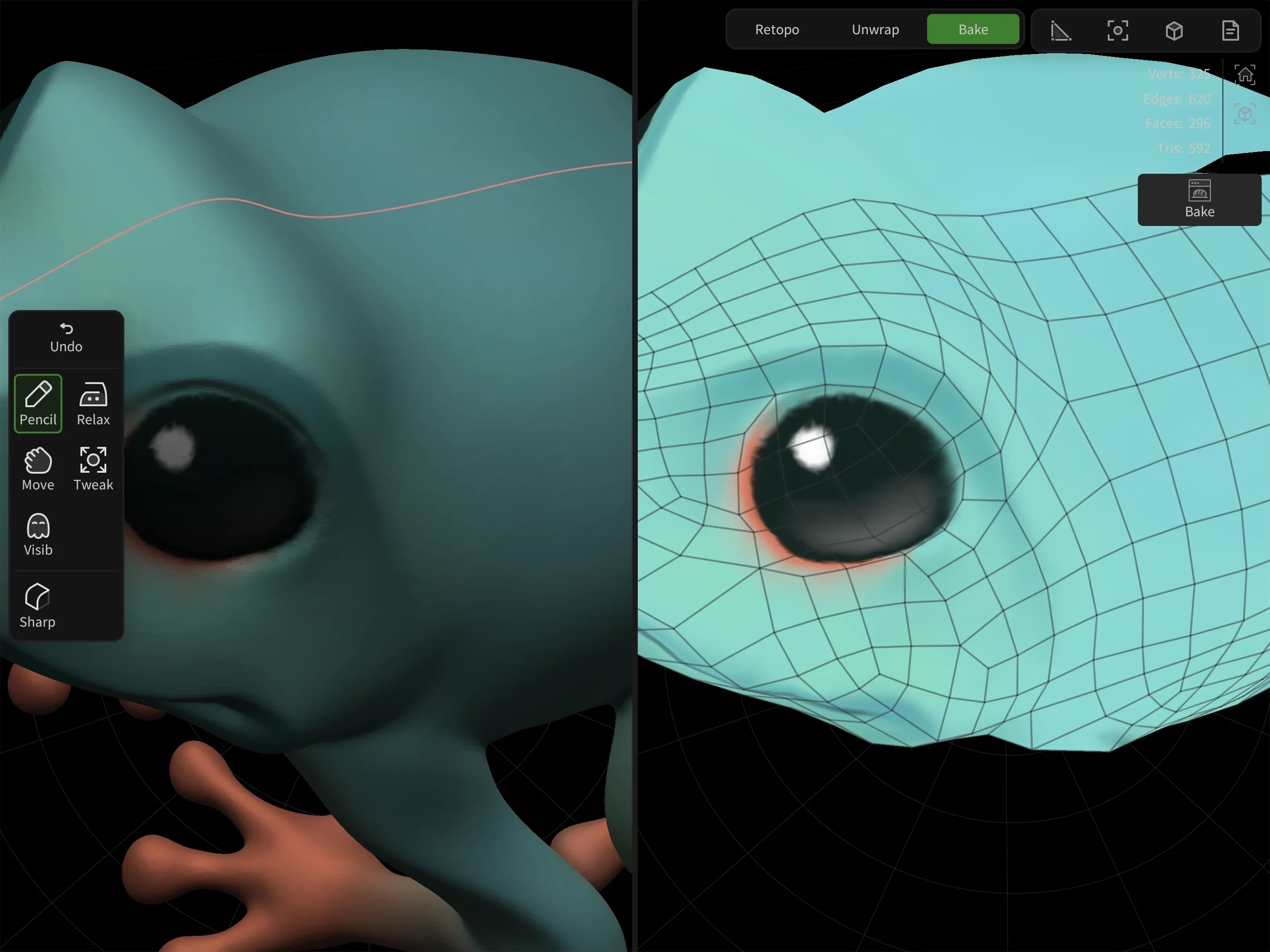
Bake vertex colors, normal maps, and ambient occlusion maps with support for multiple UV sets, UDIMs, custom bake cages, and high-to-low poly mesh assignments.
Custom Normals and Bake Cages
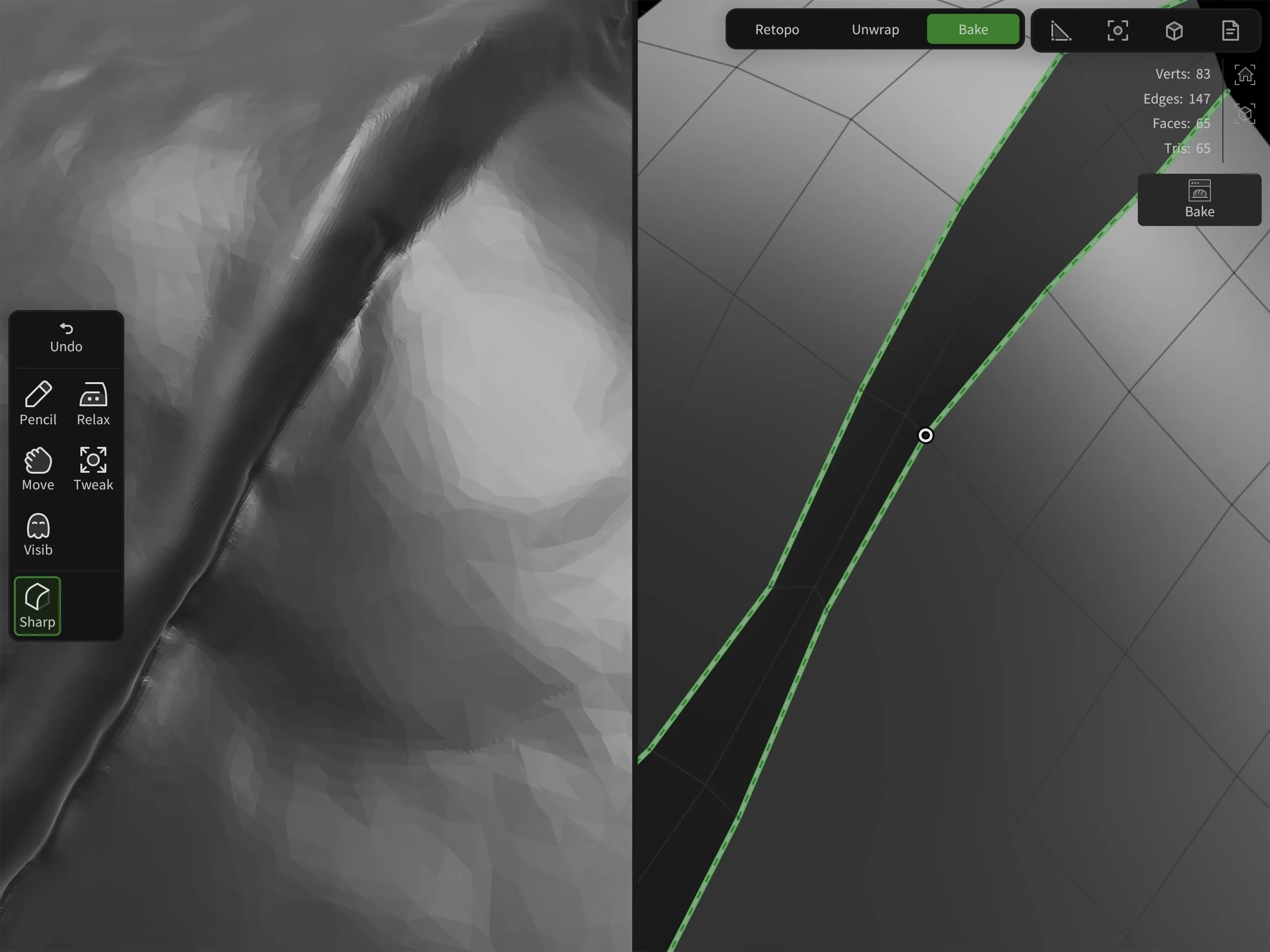
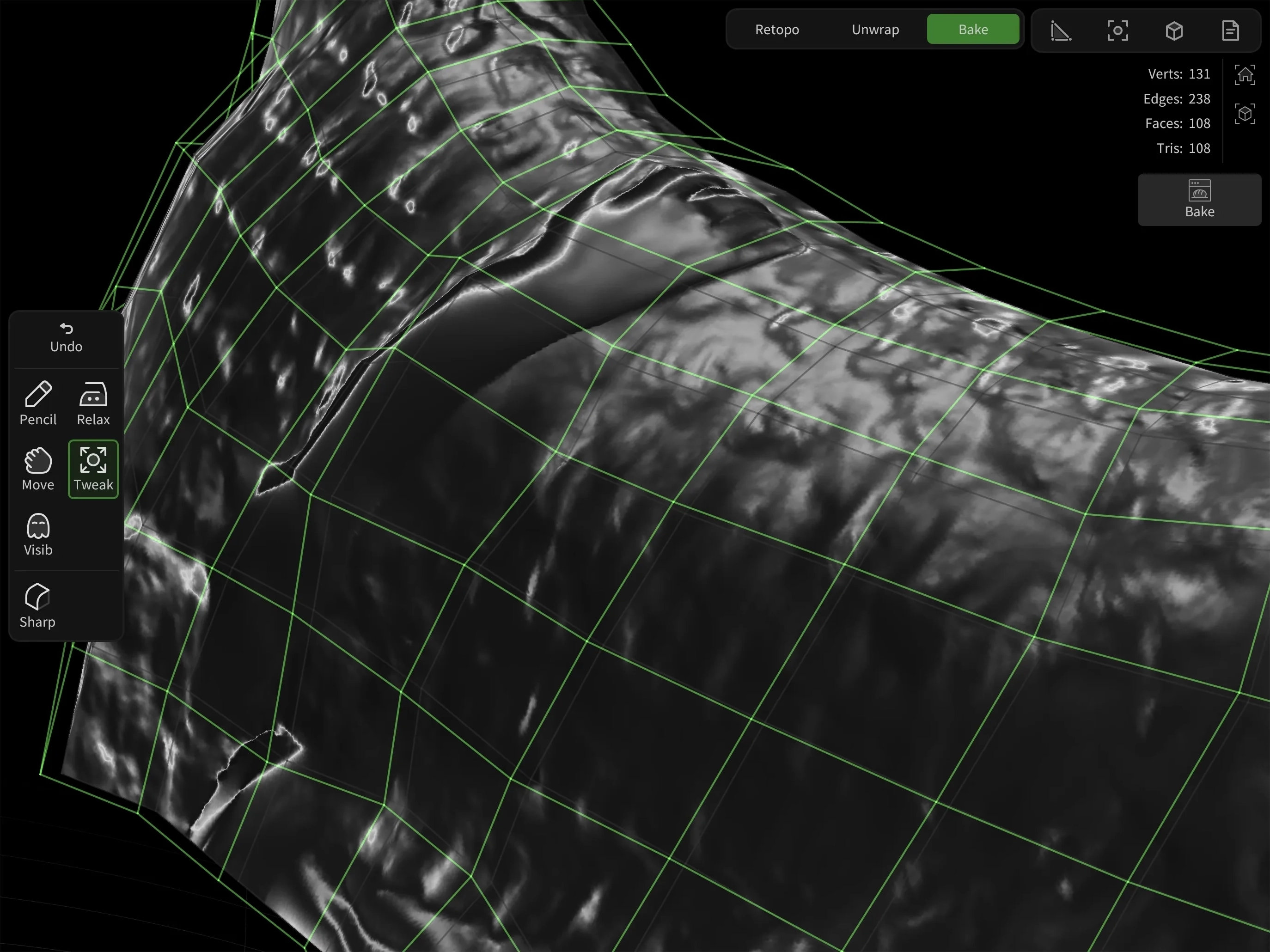
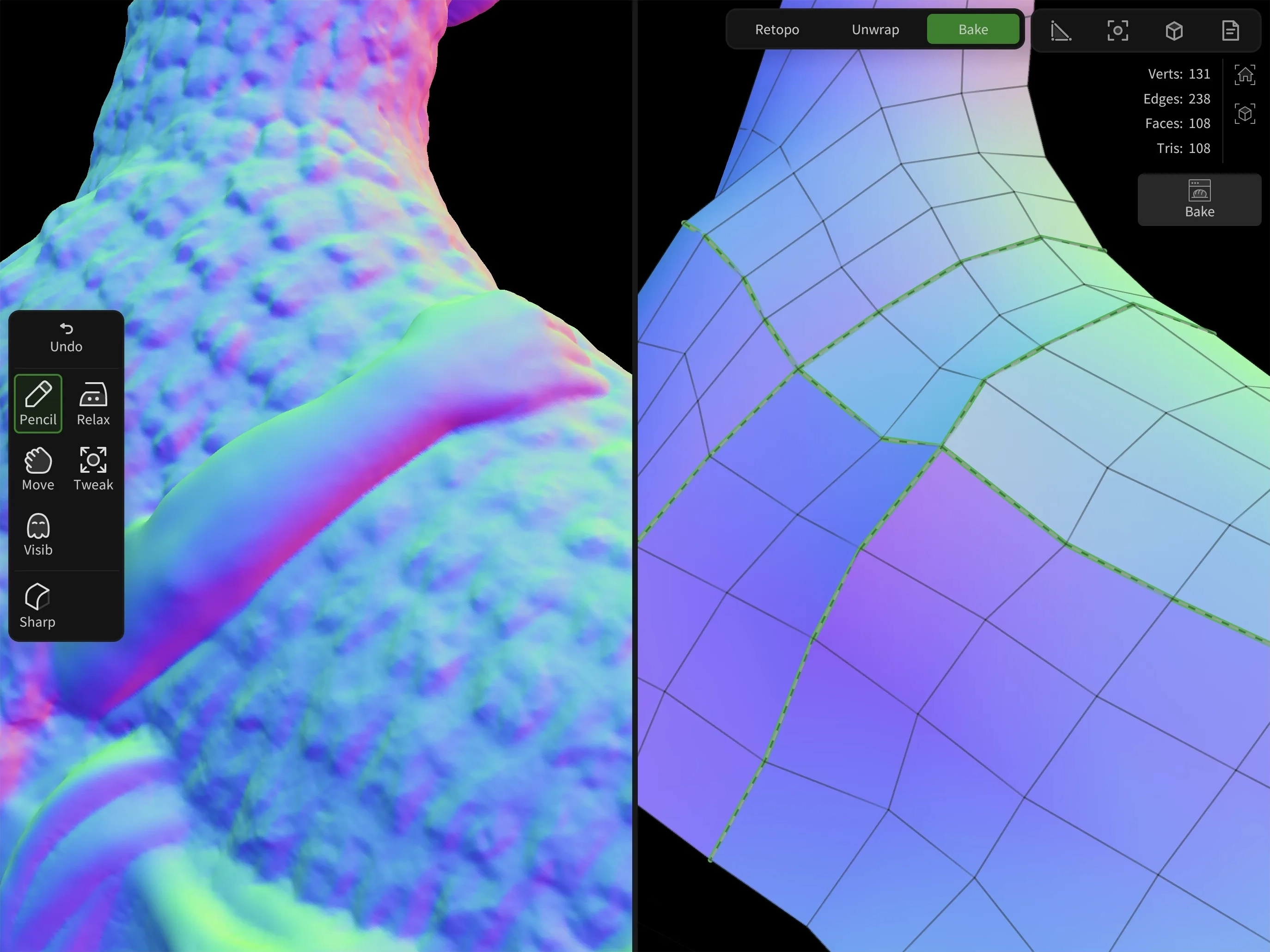
Support for custom normals with sharp and smooth edge handling gives you full control over how tangent-space normal maps are generated. Bake cage editing allows custom cage meshes to be defined for more accurate raycasting during baking.
UDIM Support
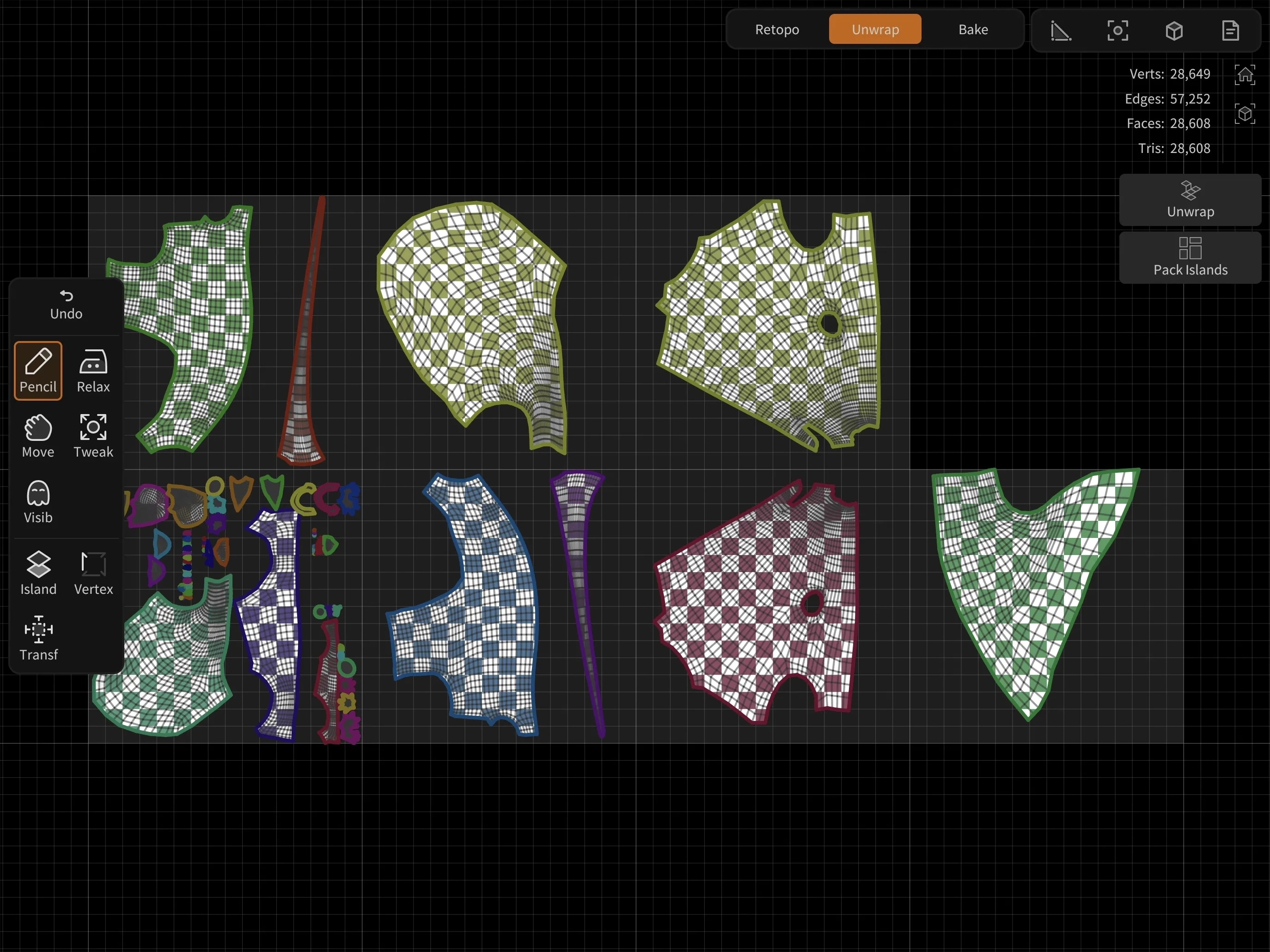
Full UDIM workflow support allows UVs to be automatically distributed across multiple tiles, while baked textures are exported using standard UDIM naming conventions.
Viewport Debugging
The baking viewport can preview individual maps and geometry information to help identify artifacts in bake results. High- and low-poly meshes can also be displayed side by side.
Pipeline
Where It All Comes Together
Multiple Objects and Textures
CozyBlanket Pro supports working with entire characters or environments inside a single file, allowing you to manage multiple high-poly objects individually. It includes a scene outliner for soloing or muting objects, while also providing both full-scene and per-object statistics.
The software also supports unwrapping and packing multiple objects into a single UV layout, as well as baking multiple texture sets in a single pass.
Configurable Exporter
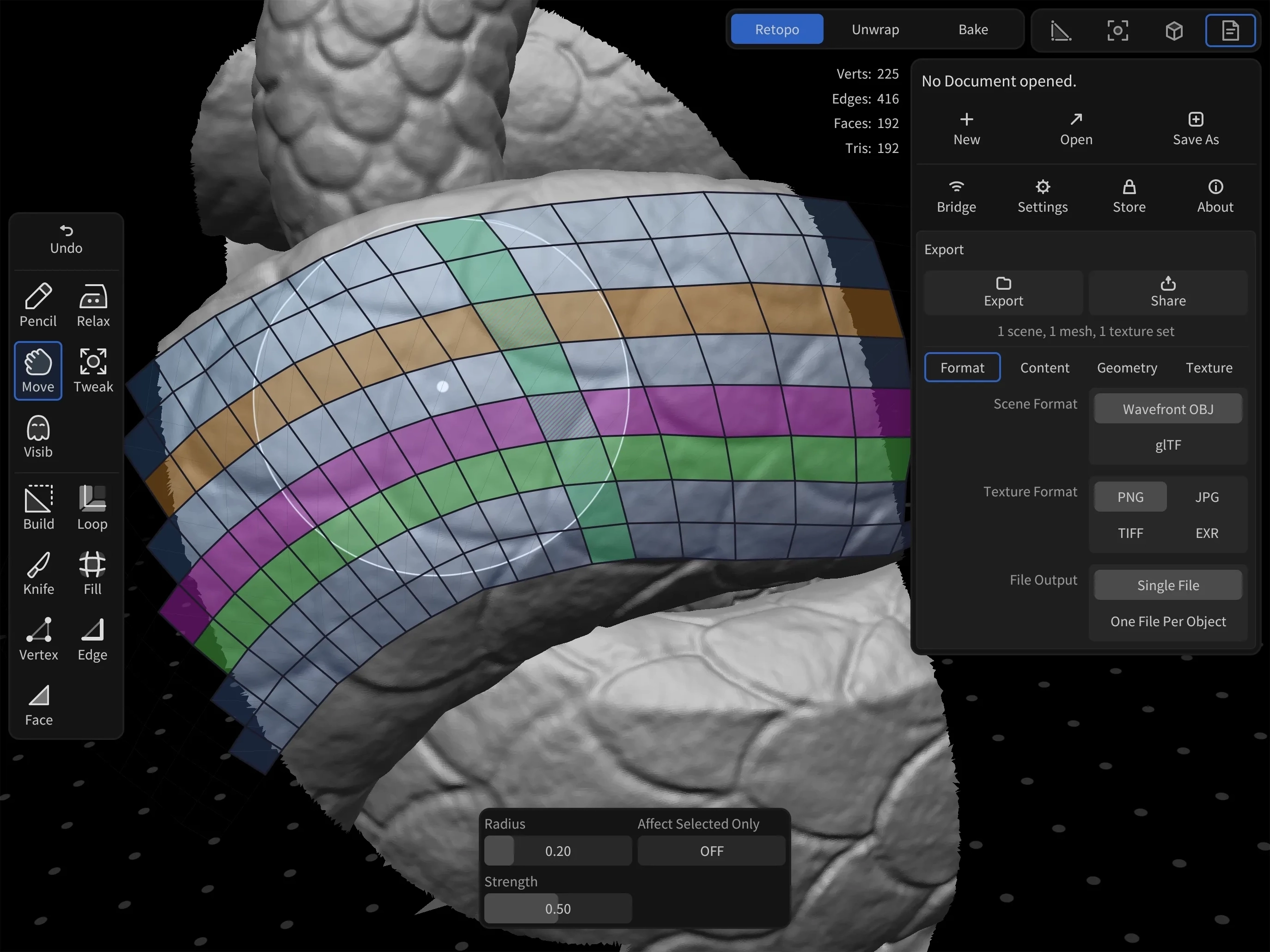
With its fully configurable export system, CozyBlanket Pro can export individual object meshes, complete scenes, packed textures, or UDIMs.
Bridge Coming Soon
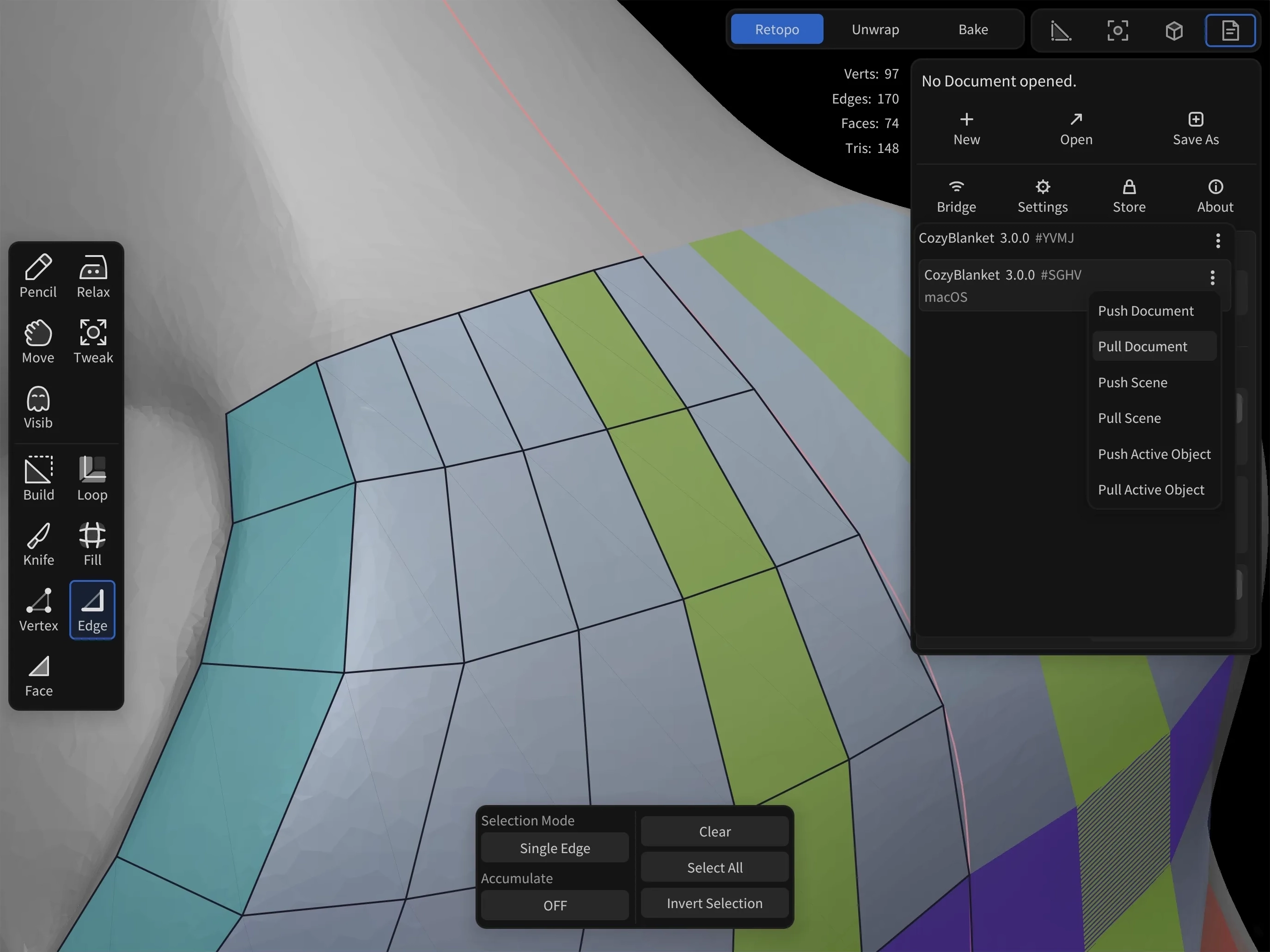
CozyBlanket Pro introduces a new network bridge designed to streamline scene sharing between other Sparseal products and desktop DCC applications. Scenes can be transferred quickly either on the same device or across a local network.
Workflow Overview
Watch a complete walkthrough of the core workflow, features, and tools.
FAQ
Frequently Asked Questions
Where can I get CozyBlanket Pro?
CozyBlanket Pro is available for iPad on the App Store. A desktop version is coming soon.
Can I try CozyBlanket Pro before buying?
Yes. The demo includes the full feature set, with saving and export disabled.
What is CozyBlanket Pro’s pricing model?
A single payment unlocks saving and export with a perpetual license for the iPad app.
Is CozyBlanket Pro a CozyBlanket update?
CozyBlanket Pro is a new application with a different tool system, features, and file format. It is a separate product from the original CozyBlanket and requires its own license.
How does CozyBlanket Pro handle AI and user data?
All AI models in CozyBlanket Pro run entirely on the device and were trained exclusively on synthetic data. User data never leaves the device, and every feature works offline.
What algorithms does CozyBlanket Pro use?
CozyBlanket Pro’s topology predictor and unwrapping algorithms are proprietary and built in-house. CozyBlanket Pro is not based on existing libraries, licensed third party solutions or third party AI inference services.
What happens to my original CozyBlanket license?
The original CozyBlanket iPad app is unlisted from the App Store. If you already own a license, you can still download the app and continue using it indefinitely. It will continue to receive maintenance updates. CozyBlanket Pro is a separate product with its own license.
Documentation for original CozyBlanket users: Networking API and Gesture reference.
To download CozyBlanket again:
- Open the App Store while signed in to the Apple Account that owns a valid original CozyBlanket license.
- Tap your profile picture, then open Apps and Purchase History.
- Select CozyBlanket from the list to download it.
Start creating with CozyBlanket Pro
Try the full demo with saving and export disabled. Unlock saving and export with a single payment for a perpetual iPad license.